
Set the job
Pick your state, building class and NCC edition, or let us use the edition in force in your state today.
For builders
Photograph a detail or ask a question on site. Get plain-English guidance with the NCC clause it relies on, so you can fix likely defects before cover-up and cut rework.


Each answer gives a clear verdict, then lists every requirement with the NCC clause relied on, what the photo shows, and whether it meets the clause or still needs checking.
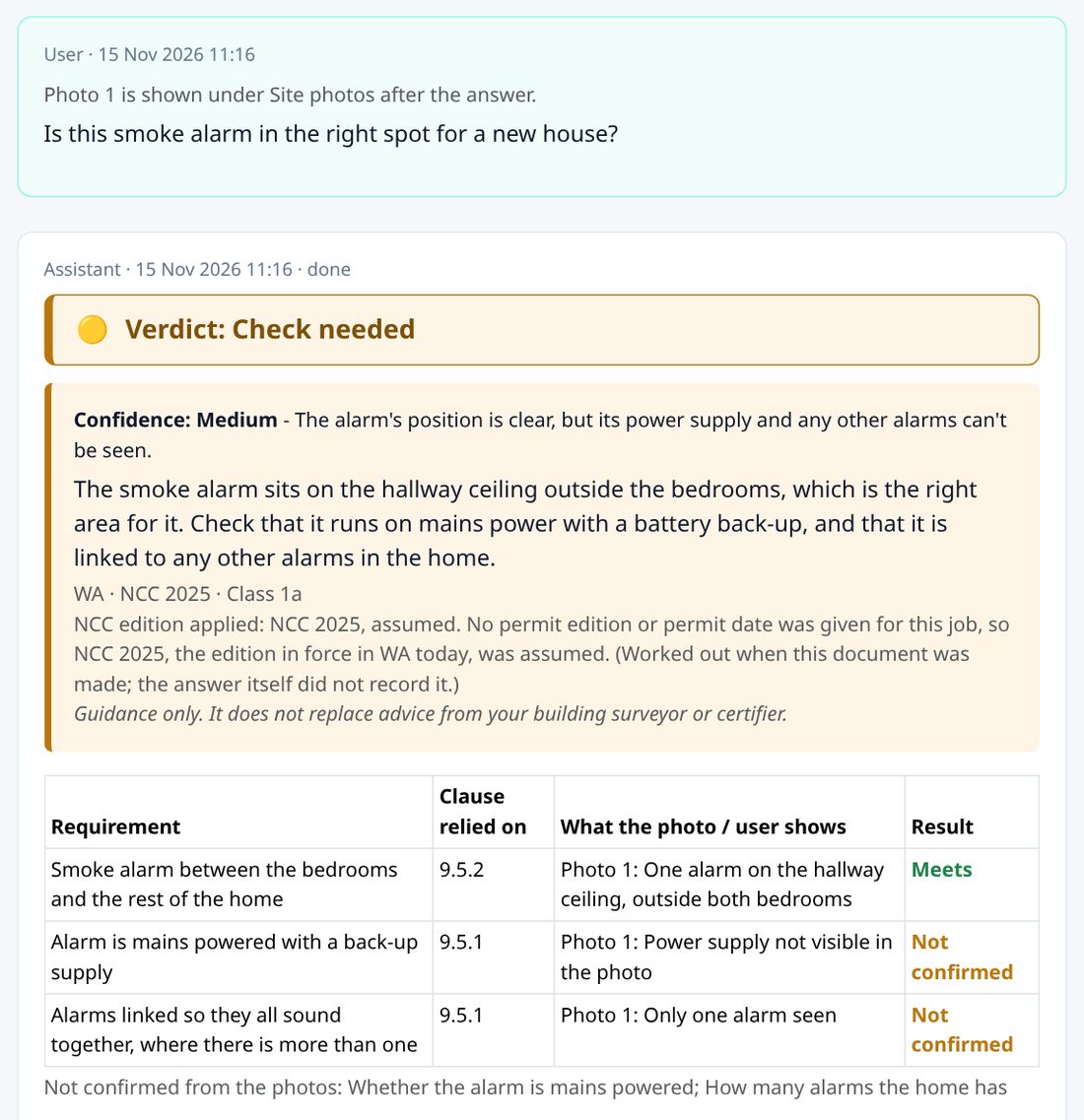
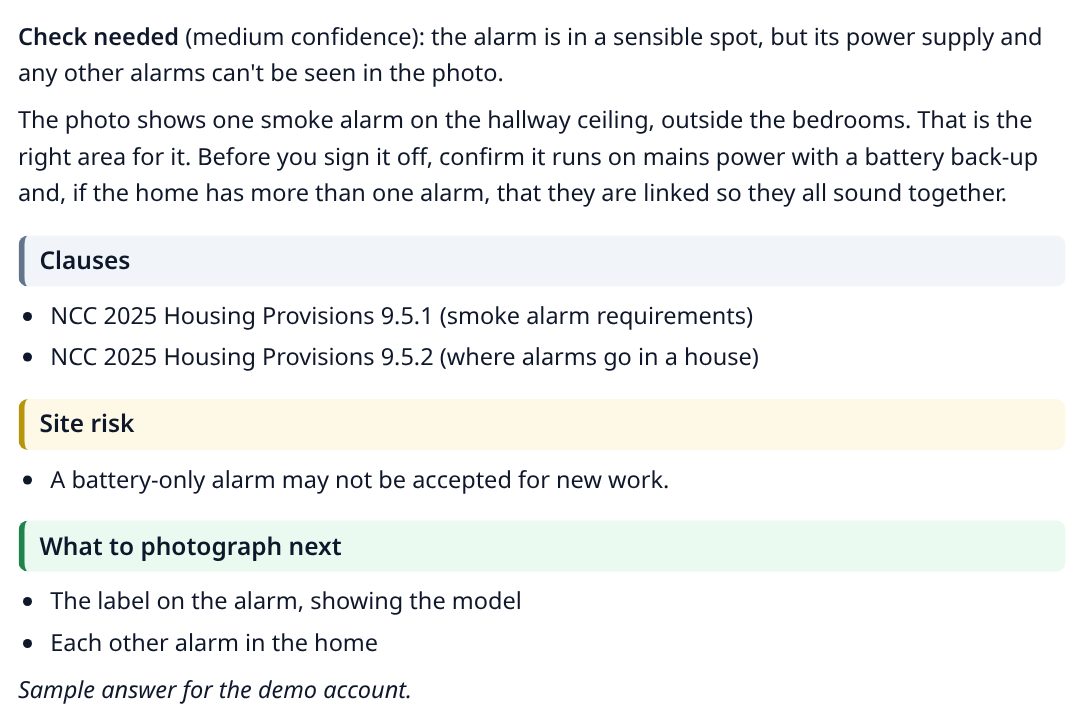
Answers flag site risks and tell you what to photograph next, so the crew can close out the detail now instead of coming back for it after a defect notice.
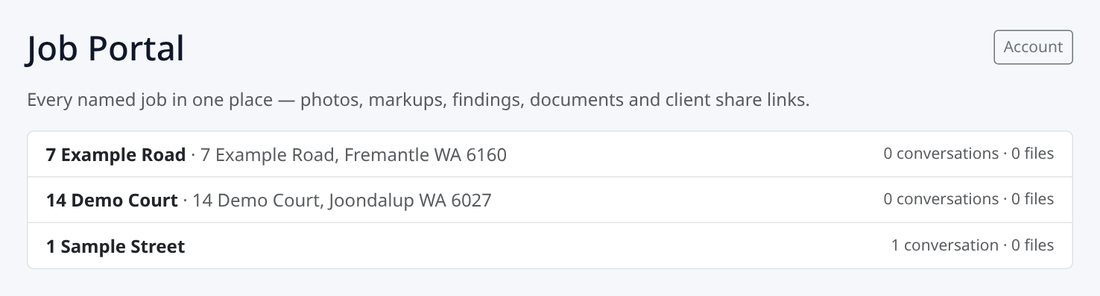
Questions, photos, findings, documents and reports sit under the job they belong to, so nothing gets lost between sites.
Send a read-only link to an answer or a job. Answer links expire after a set time and you can turn them off. Job links can be given an expiry date.
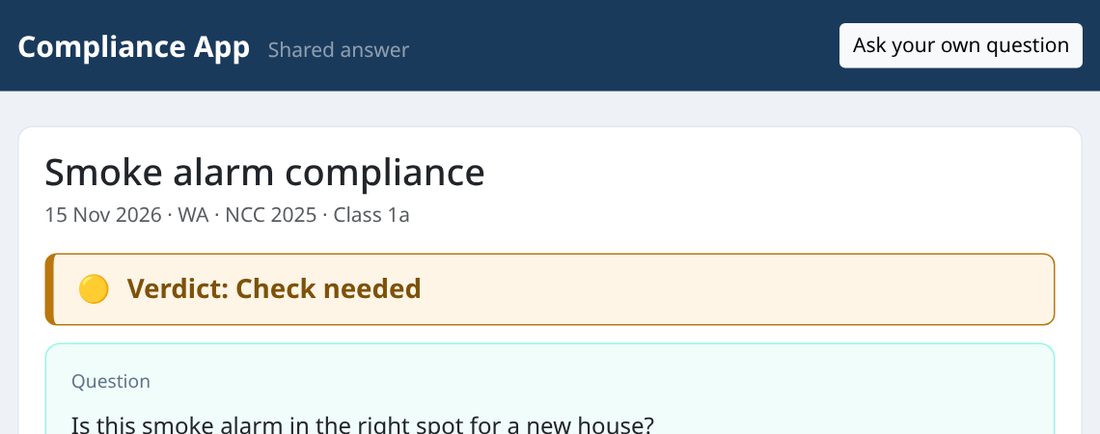
Screens from a demo account with sample data.
Pick your state, building class and NCC edition, or let us use the edition in force in your state today.
Snap the detail (up to four photos) or type the question, on site or at the office.
Get guidance with the clause to check, fix what needs fixing, and keep the record with the job.
Try it on a real detail with the free plan. Upgrade when you need more.
Free to start on the web, iPhone or Android.
ComplianceApp gives guidance only. It supplements, and doesn't replace, advice from a registered building surveyor, engineer or licensed practitioner. Always check the official NCC. NCC and ABCB content is provided by the Australian Building Codes Board under Creative Commons licences (CC BY 4.0, or CC BY-ND 4.0 where marked on the source). The ABCB doesn't endorse this tool. Disclaimer.