
Photograph or ask
Capture what you see on site (up to four photos) or type the question.
For inspectors
Photograph what you see and get guidance tied to the NCC clause. Then turn the job's findings into a report with your logo on it, ready to send.


Answers set out each requirement with the NCC clause relied on, what the photo shows and a clear result, so you spend less time looking things up.
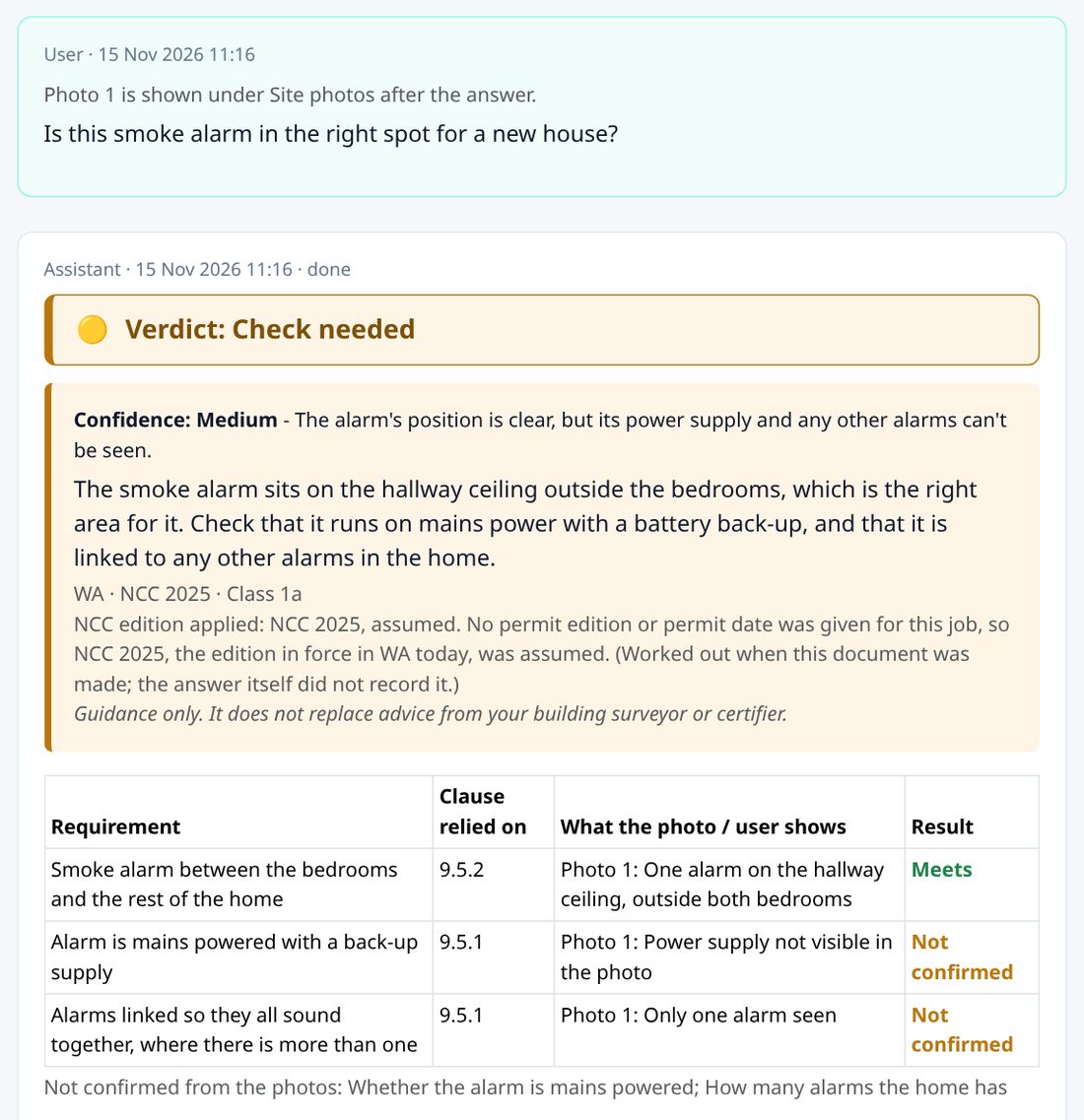
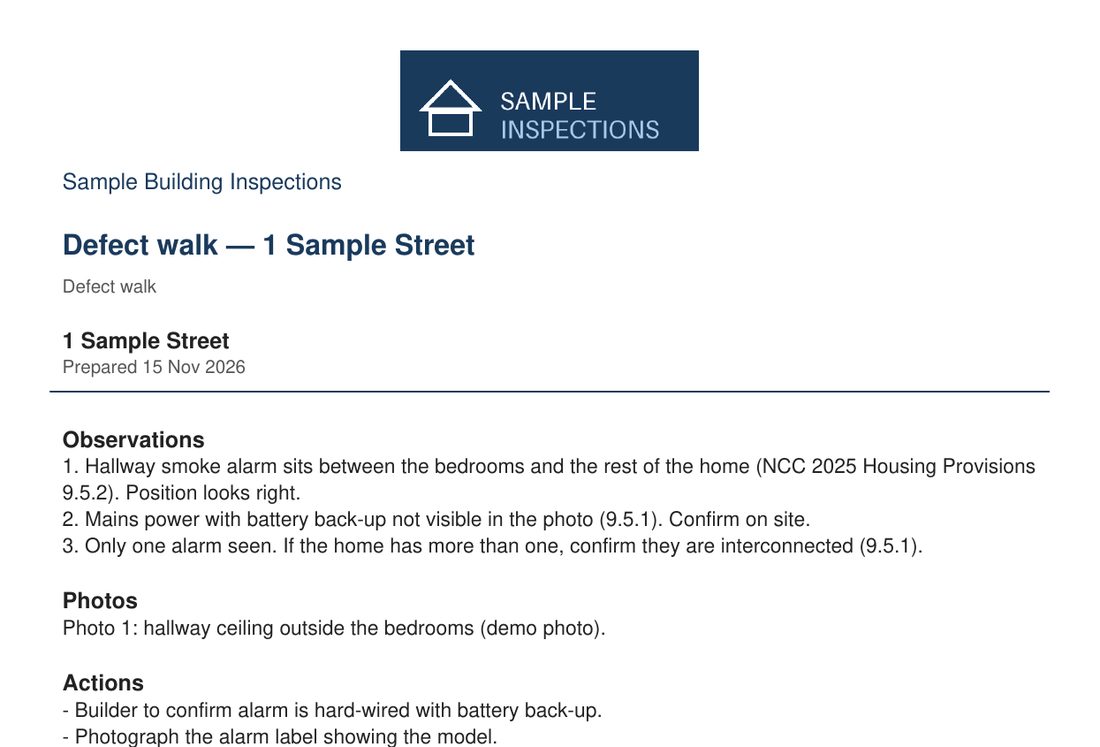
Start a report from a template. Any findings already on the job are copied in, ready for you to edit. Then save it as a PDF.
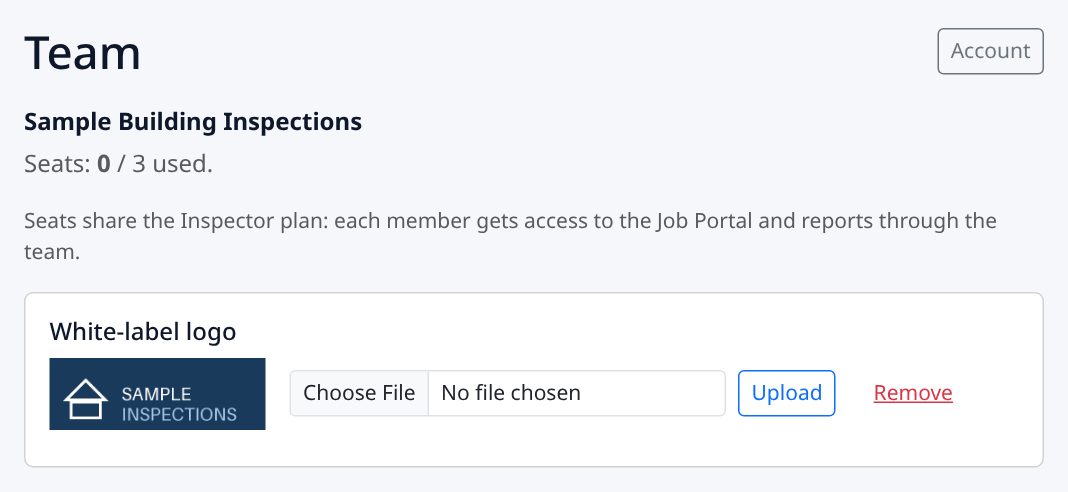
Upload your logo once. It goes on the report PDFs you send to clients.
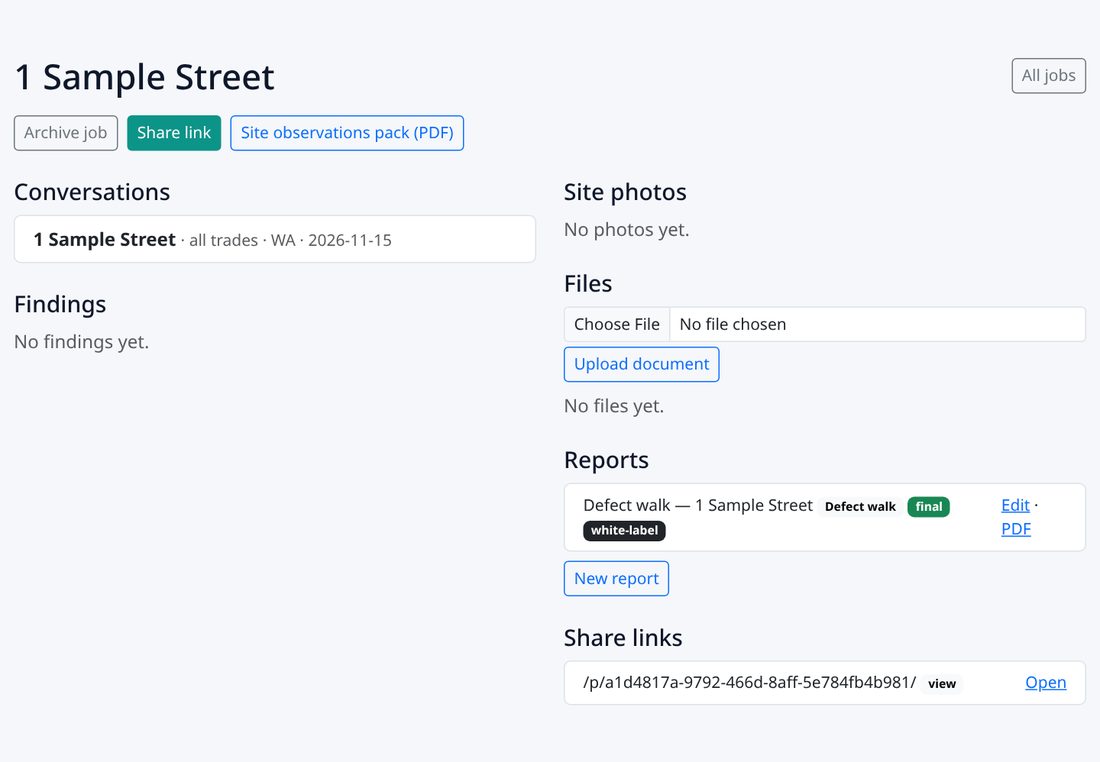
Each job keeps its questions, photos, documents, reports and share links in one place, for you and your team.
Screens from a demo account with sample data.
Capture what you see on site (up to four photos) or type the question.
Check the guidance and the NCC clause behind each item, and keep what you agree with.
Start the report from the job, add your wording and save a PDF with your logo, ready to send.
Try it on a real detail with the free plan. Upgrade when you need more.
Free to start on the web, iPhone or Android.
ComplianceApp gives guidance only. It supplements, and doesn't replace, advice from a registered building surveyor, engineer or licensed practitioner. Always check the official NCC. NCC and ABCB content is provided by the Australian Building Codes Board under Creative Commons licences (CC BY 4.0, or CC BY-ND 4.0 where marked on the source). The ABCB doesn't endorse this tool. Disclaimer.